AI Search Snippet Controls: A Practical Website Audit
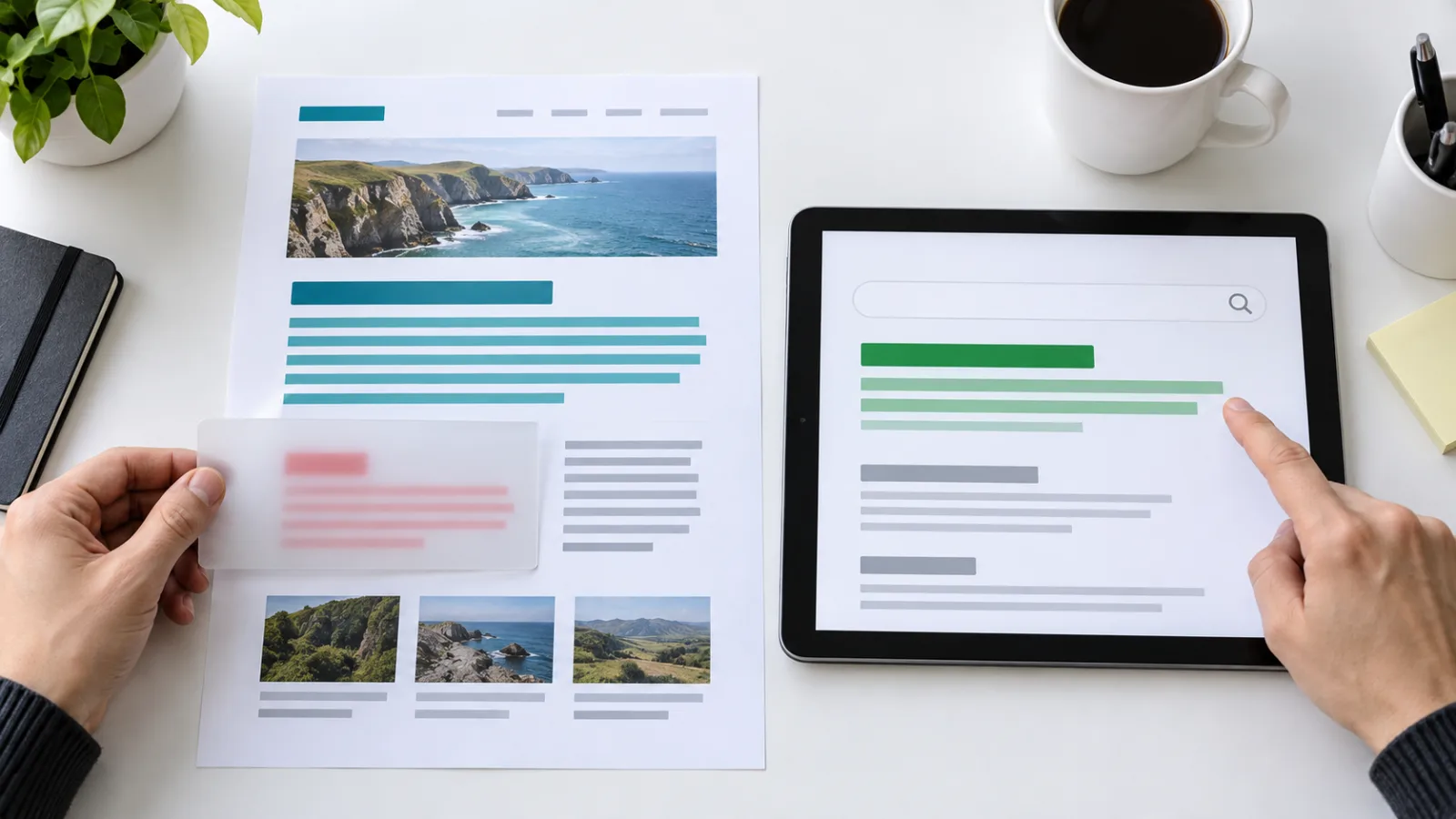
AI search snippet controls specify which public content a supported search engine may display in previews or generated answers. Audit them separately from crawler access and indexing. Start with the intended exposure of each page, inspect delivered HTML and headers, and verify processed changes before interpreting traffic or citations. These controls are not security boundaries.
What problem does a snippet-control audit solve?
A snippet-control audit checks whether public previews match a publisher's intended boundaries. A page can remain useful and discoverable while containing a short passage that should not become its public summary. Conversely, a template can accidentally suppress the main answer across an entire content collection.
This is an evergreen implementation tutorial, not a claim that a new ranking update launched today. The relevant documentation describes controls already available to publishers. The opportunity is operational: reviewing actual output when templates, consent components, CMS plugins, or editorial policies change.
Begin with a page you want people to find. Write down what visitors should learn before clicking, what they should learn after clicking, and what must never be publicly accessible. Those are three different requirements. Preview controls address only part of that model; private material requires actual access restrictions.
Our GEO overview separates technical readiness from observed AI visibility. Use that distinction here: correct controls establish an implementation fact, not a guaranteed citation, a higher position, or a converted customer.
Which controls should you distinguish first?
Google documents page-level snippet suppression, a maximum snippet length, and selective exclusion through data-nosnippet. These are separate from a meta description, which is a candidate summary rather than a fixed instruction about the text a result must show. Google's snippet documentation.
The following table is a planning aid, not a promise of identical behavior across every engine. Confirm each intended directive against the provider documentation before implementation.
| Mechanism | Intended decision | Release question |
|---|---|---|
| Meta description | Describe the public page accurately | Does the approved summary match the visible offer? |
data-nosnippet |
Exclude a selected public passage from supported previews | Is the attribute limited to the intended element? |
nosnippet |
Suppress snippets at page level | Is removing the whole preview deliberate? |
max-snippet |
Set a supported preview-length constraint | Is the limit compatible with the intended exposure? |
noindex |
Exclude a page from the search index | Is index exclusion actually required? |
| Crawl restriction | Restrict retrieval by a named crawler | Can the engine still retrieve directives it needs to process? |
| Authentication | Restrict access to private material | Can an unauthenticated visitor retrieve any protected data? |
Keep this decision table alongside the release ticket. It prevents a request such as "hide this note from previews" from turning into a site-wide indexing change.
How do preview controls relate to Google AI search?
Google states that supporting links in AI Overviews and AI Mode require an indexed page that is eligible for a snippet. Its guidance also identifies preview controls as a way to limit information shown from pages in Search. Eligibility is not a guarantee that a page will be displayed. Google's AI features guidance.
The practical implication is to avoid treating preview restrictions as a visibility optimization by default. A business might intentionally accept less exposure for a particular page. Another might discover that an inherited template has restricted a page whose purpose is public acquisition. The right outcome depends on the approved content policy.
Do not infer training permissions from a snippet setting. Nor should you assume that a setting documented for Google Search governs every independent chatbot. Review those questions separately through our guide to blocking AI training while preserving search access.
Record the intended engine and surface in your ticket. "AI search" alone is too vague to test. A documented change for one experience is not evidence of a universal exclusion from all generated responses.
What does Bing document about selective exclusion?
Bing announced support for data-nosnippet on October 15, 2025. Its announcement describes excluding marked passages from Bing snippets and AI-generated previews while retaining indexing of that material. That is a provider-specific statement, not proof that an arbitrary third-party answer engine follows the same rule. Bing's announcement.
For a cross-engine release, choose markup that your target providers explicitly support and maintain separate verification records. If support differs, document the difference instead of hiding it behind a single green "AI compliant" badge.
An agency should also distinguish implementation from observation in its client report. "The deployed element contains the approved attribute" can be confirmed immediately. "Bing has processed that release" needs engine-side evidence. "Citations improved because of it" needs a controlled measurement design and enough observations to support the explanation.
How should you choose the smallest useful scope?
Selective scope is an editorial decision before it is a code change. Ask why a passage should be excluded and whether that passage belongs on the public page at all. A confidential support log, private customer detail, or internal credential should not be made safe by a preview attribute.
For genuinely public material, consider a narrowly scoped wrapper around the selected passage. The example below illustrates the boundary only. It does not turn the note into private information and should not be copied around an entire article by habit.
<section>
  <h2>Public service overview</h2>
  <p>This paragraph explains the service to prospective customers.</p>
  <div data-nosnippet>
    <p>A public administrative note not intended for the preview.</p>
  </div>
</section>
Review the final DOM with the author. Does the wrapper include only the note, or did a component boundary unintentionally capture the useful answer? Is the same component reused in pricing, product details, and documentation? A tiny-looking markup change can have a large template footprint.
If a content system manages wrappers automatically, add a representative fixture for each affected template. Include a page with no excluded passage so the test can detect blanket application of the attribute.
What should you collect before changing production?
A reproducible baseline is a small evidence packet: canonical URL, response status, relevant headers, HTML, screenshots, intended policy, and capture time. Keep private infrastructure and credentials out of any public report.
Capture both the original response and the rendered document when JavaScript changes the page. A template may add a directive at the edge, while a client component changes the relevant element later. Testing only the CMS editor preview can miss both.
Use a fixed list of representative URLs rather than a different set each time. Include your main acquisition page, one article, one product or pricing page, and each materially different template. Keep the list small enough that reviewers actually repeat the check during releases.
For a preliminary view of wider technical issues, run the free AI visibility checker. Then inspect the concrete page output. A composite score does not replace a provider-specific test of preview permissions or tell you which text a future result will choose.
How do you validate a release without overclaiming?
Release validation checks three stages separately: what the application delivered, what the engine retrieved, and what the measured experience displayed. Passing the first stage does not automatically pass the other two.
- Confirm that the intended URL returns the expected public document and canonical.
- Inspect HTML and headers for page-level restrictions, including ones added outside the page component.
- Confirm the selected element and its descendants match the approved scope.
- Compare representative templates before and after the release.
- Inspect the engine's available URL evidence and distinguish the live response from its stored crawl.
- Keep the release date and request a recrawl where appropriate, without treating the request as completed indexing.
- Record later observations with the engine, query, location or locale, date, and relevant source URL.
Google recommends checking that preview controls are visible in the HTML it received and allowing time for recrawling and processing. Its guidance does not establish an instant rollout deadline. Preview-control troubleshooting.
Separate rendering checks from identity claims. Requesting a page with a crawler-like user agent tests how your server responds to that string; it does not prove that a verified provider crawler visited or accepted the directive.
How should you measure the result?
Measurement starts with a hypothesis narrower than "GEO improved." For example: an unwanted public note should no longer dominate previews after the engine processes the change, while the main page remains indexable. This can be examined without claiming a new ranking advantage.
For traffic, compare equal-length periods and keep query groups and landing pages visible. Calculate click-through rate from clicks divided by impressions; do not average row-level percentages. Check whether changing query mix, position, seasonality, or reporting delays offers an alternative explanation.
For AI observations, preserve the answer and cited URL where available. Count references separately from human visits. A preview may be corrected without any citation change, and a citation may occur without a visit. Our AI visibility versus mention tracking guide explains why these measurements should stay distinct.
Write uncertain results as uncertain. "No matching preview observed in our small sample" is more defensible than "the passage was removed everywhere." Pair this workflow with metadata QA, but keep the review of copy accuracy separate from the review of display permissions.
Frequently asked questions
Does data-nosnippet make a passage private?
No. A public visitor can still retrieve public content. Use authentication and appropriate access controls for confidential information, and remove accidentally exposed secrets rather than merely restricting their preview.
Is a meta description an exact search snippet?
No. Google may select a description or page text depending on the query. Treat the description as accurate candidate copy, not as a guaranteed reproduction of the result a searcher will see.
Should every answer-first block remain unrestricted?
That depends on the publisher's intended exposure. An acquisition page often needs a useful public summary, but business and legal requirements can differ. Have the content owner approve the boundary rather than applying a blanket rule.
Can one test establish behavior across all AI engines?
No. Document the specific provider, surface, page, and observation. Independent systems can use different retrieval paths and policies; a successful implementation check is not universal compliance evidence.
When should a team roll back a change?
Roll back when delivered output differs from the approved policy, such as an exclusion wrapping the whole article or an unexpected page-level restriction. Do not roll back solely because a tiny citation sample fluctuates before processing is verified.
Start with one template, then expand deliberately
Choose a representative public page, write the intended preview boundary, and preserve a baseline. Apply the smallest supported control, verify its exact scope, and wait for engine-side processing evidence. Expand only after the template behaves as intended. This produces an auditable content policy without promising rankings, universal exclusion, or additional AI citations.
Youssef builds GEOCARA and has run visibility probes across AI engines since 2025. He writes from measured probe data, not speculation.
LinkedIn ↗Related GEO guides
Choose your plan
Audit your site and see how AI engines perceive you.