Search Console Data Delays: A Practical SEO Guide
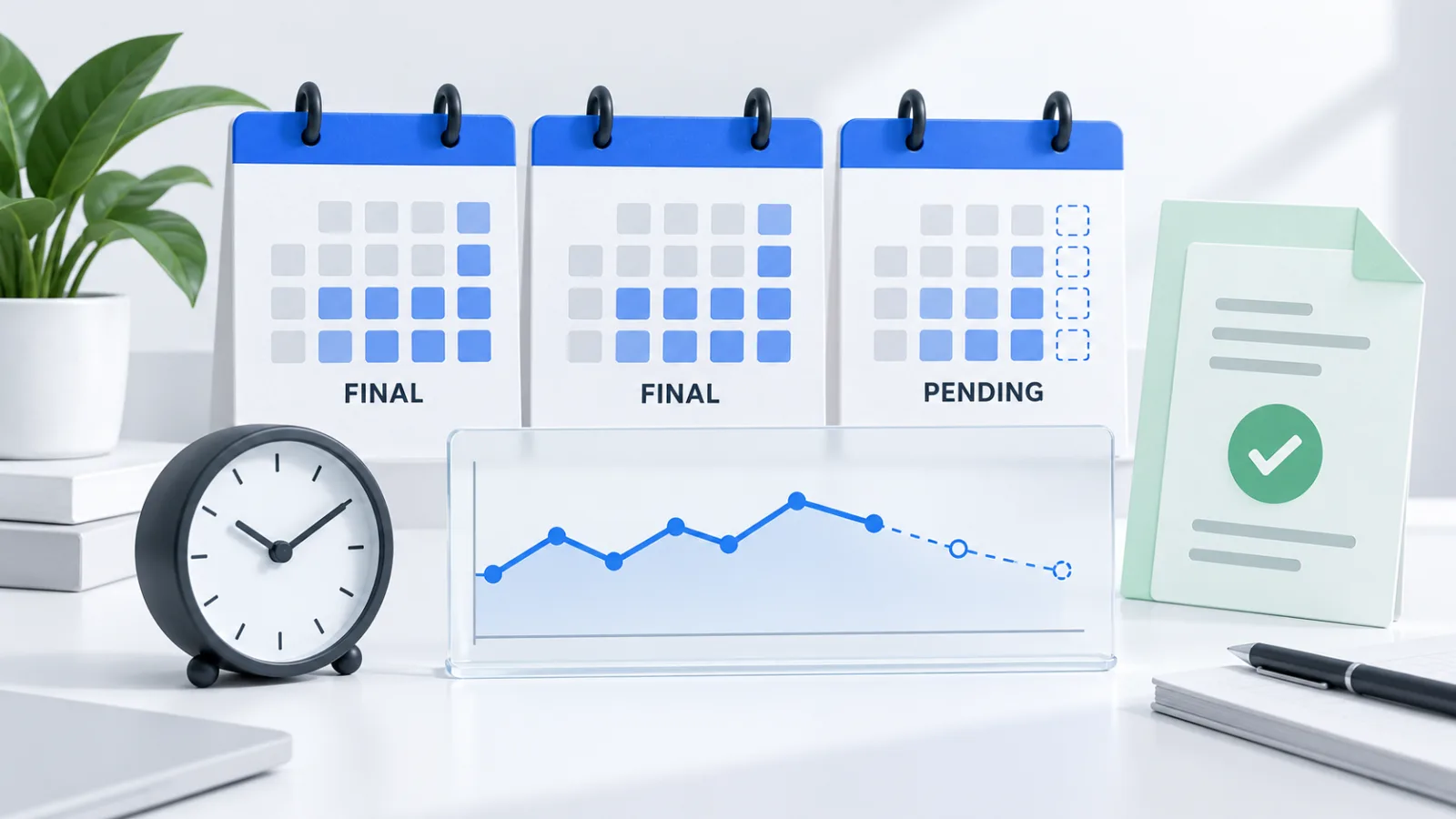
Search Console data delays are gaps between search activity and the reporting data available to you. An empty or incomplete recent day does not, by itself, prove a traffic loss. Check data freshness, compare equally complete periods, and use independent website and conversion evidence before changing your SEO or AI visibility strategy.
Is Search Console delayed, or has traffic actually dropped?
A reporting delay and a traffic decline are different diagnoses. The first concerns what the reporting system has processed; the second concerns what people actually did. Treating them as interchangeable can lead to unnecessary page rewrites, broken experiments, and misleading client updates.
Google explicitly includes processing and logging problems among the possible explanations for apparent drops in its search traffic troubleshooting guide. That makes reporting integrity a sensible early check, not a reason to dismiss every decline.
Start with a small evidence log. Record the property, report, search type, selected dates, filters, last available date, and extraction time. Save the original export before changing anything. Then ask whether the apparent fall is confined to the newest dates or also appears in older, comparable periods.
This tutorial is an operational workflow, not an announcement of a current Google incident. Its purpose is to help you choose the next investigation from evidence rather than from the shape of one chart.
What does preliminary Search Console data mean?
Preliminary data is recent reporting data that can still change as processing continues. Google's Performance report documentation describes preliminary values in the 24-hour view and the dotted-line treatment of recent data. A visible value is therefore not necessarily a final value.
Use three labels in your own reporting: complete for comparison, preliminary, and unavailable. The first should reflect the source's available final data, not merely the fact that a calendar day has ended. The last means that you cannot establish the requested value; it does not mean zero.
| Observation | Working interpretation | First check |
|---|---|---|
| Only the newest hours look low | Possibly incomplete reporting | Preliminary-data indicator and latest available interval |
| Several older complete days decline | A real performance change is plausible | Same pages, countries, devices, and search type |
| GSC falls while on-site activity continues | Sources may differ in timing or scope | Freshness, tracking health, and attribution definitions |
| A filtered table is empty | The segment may be absent or the filter wrong | Remove filters and verify the property |
| All independent acquisition signals weaken | A broader problem deserves investigation | Availability, tracking, indexing, demand, and recent releases |
These are triage hypotheses, not automated verdicts. A delay and a genuine decline can happen together.
How do you investigate data that is not updating?
1. Verify the reporting context
Confirm that you opened the intended domain or URL-prefix property. Check protocol and hostname coverage, especially after migrations or canonical changes. Remove optional query, page, country, and device filters temporarily. Compare the unfiltered report with your saved filtered view before concluding that a segment disappeared.
Record the report name as well as the property. Search, Discover, and AI-specific exposure views should not be silently combined into one series. The three-layer AI visibility measurement guide provides a useful separation between page readiness, observed answers, and downstream visits.
2. Check the right official notices
Consult Google's Search Console data anomalies page for documented reporting issues. Also inspect the Google Search Status Dashboard when crawling, indexing, ranking, or serving may be affected.
Those sources have different scopes. A ranking incident is not automatically a reporting delay, and the absence of a notice is not proof that your own reporting pipeline is healthy. Keep third-party complaints as leads to investigate rather than treating them as confirmation of a platform-wide outage.
3. Test a few business-critical pages
Open the homepage, a high-impression landing page, and the page that normally converts. Verify their HTTP response, rendered content, canonical URL, and indexing directives. Check recent deployments for changed redirects, consent behavior, analytics configuration, or broken forms.
For a structured first pass, run the free AI visibility checker. Its page-level findings can help identify crawl and content-readiness issues, but a checker score cannot establish how many people visited yesterday. Keep that distinction in the incident notes.
4. Preserve the experiment
If pages work and the only anomaly is incomplete recent reporting, postpone performance conclusions. Continue recording the current page version and test dates. Do not change titles, content, canonicals, and tracking simultaneously just to make an uncertain chart recover.
If you discover a concrete defect, fix that defect promptly. For example, an accidental noindex is actionable even while performance reporting is delayed. Record its deployment time so later analysis can separate the repair from unrelated changes.
Which dates should you compare during a delay?
Compare complete periods of equal duration with consistent boundaries. For a weekly review, choose the latest complete seven-day period and the immediately preceding seven days. Keep the same weekdays, source, filters, metric definitions, and aggregation level.
Here is a hypothetical example, not GEOCARA performance data: on October 5, a report only has complete data through October 2. A defensible comparison is September 26 through October 2 against September 19 through September 25. Calling the first range "the last seven days" would hide the reporting lag; print its actual dates instead.
Do not silently mix a dashboard's calendar days with a database query using a rolling 168-hour window. Both can be useful, but they answer slightly different questions. Preserve the source time zone and state the reporting time zone. A midnight boundary in one zone may cut through a business day in another.
As a practical GEOCARA reporting rule, display two dates beside important metrics: activity through and retrieved at. Refreshing a dashboard today does not make last week's observations current. Keep daily operational alerts separate from weekly performance conclusions.
How can an API pipeline detect incomplete data?
The Search Analytics API reference provides explicit freshness controls. dataState: "all" requests fresh data, while "final" or omission requests finalized data. With the relevant date grouping, responses can include metadata.first_incomplete_date; hourly requests using "hourly_all" can include first_incomplete_hour. The reference specifies Pacific Time for these boundaries.
A robust ingestion workflow should preserve these fields rather than stripping them during normalization. Store the requested range, extraction timestamp, dimensions, filters, and returned freshness boundary with the dataset.
Recommended pipeline checks:
- Distinguish a successful response with no rows from a failed request.
- Check available dates before applying narrow filters.
- Keep recent incomplete intervals out of final weekly comparisons.
- Re-fetch provisional dates so later corrections can replace earlier values.
- Retain raw source totals separately from derived segment totals.
- Alert on stale extraction jobs independently of low traffic.
These are implementation recommendations, not a promise that GEOCARA exposes every control in its interface. Do not fill absent dates with zeros until the source semantics justify doing so. Likewise, do not sum a limited query table and assume that it represents the entire property's activity.
What can analytics and product records tell you meanwhile?
Independent measurement helps establish whether the business is still receiving activity. Google's guide to using Analytics and Search Console together distinguishes search-side evidence from on-site behavior. Their metrics are complementary; clicks and sessions are not interchangeable totals.
Inspect on-site analytics for landing pages, source groups, and conversions over a clearly labeled period. Verify that the tracking code is actually working before relying on a sudden zero. If you cannot access the dashboard, report that access limitation explicitly rather than diagnosing a traffic collapse.
Product records add another useful layer: completed checks, verified report requests, registrations, added sites, and completed audits. These are recorded actions, not visitor counts. Multiple actions can belong to one person, and a person can visit without generating any stored product event.
For AI referrals, the guide to ChatGPT traffic in GA4 and Plausible covers attribution separately. A saved ChatGPT referrer is evidence about that recorded interaction. It does not identify every visit influenced by an AI answer or prove that a specific citation caused the signup.
Does the same discipline apply to Bing and GEO reports?
Yes. Every visibility source needs a freshness date, scope, and measurement definition. Microsoft's AI Performance announcement describes citation reporting and sampled grounding queries. A sample is not a complete list of all prompts, and citation frequency is not a visitor count.
For a GEO review, maintain three separate evidence streams:
- Readiness: current page access, content structure, and technical checks.
- Observed visibility: dated citations, mentions, or impressions within a defined platform and sample.
- Business outcomes: attributable visits and documented product conversions.
An old probe result should remain labeled with its observation date. A disabled monitoring job means that current observations are missing, not that visibility stayed unchanged. Our GEO hub connects these layers without treating a technical score as a guarantee of recommendation.
What should you tell a client or your team?
Use a short status statement with an explicit decision: "The latest search interval is incomplete. Our complete-week comparison ends on [date]. Website availability and recorded conversions were checked separately. We will reassess the performance trend after the source catches up."
Only include the checks actually performed. If analytics was inaccessible or conversion tracking failed validation, say so in the same update. Assign an owner to the next source check and keep a dated release log. This is more useful than a confident explanation built on missing data.
For the wider reporting structure, see GEO reporting for agencies. The goal is a decision-ready report: what is known, what remains uncertain, and what should happen next.
FAQ
Should I request indexing because Search Console is delayed?
Not solely because performance reporting is late. An indexing request and performance-data processing are different workflows. Investigate indexing when a specific URL has an eligibility or discovery problem, not as a general repair for a delayed chart.
Can a reporting delay explain a lower checker score?
Not by itself. A technical or content-readiness score depends on the pages inspected, scoring method, and observations collected. Compare audit versions and page coverage before attributing a score change to search reporting.
Should I backfill a missing day with the previous day's value?
Keep it missing in the observed series. Repeating a prior value fabricates stability. If a forecast is needed for planning, label it as an estimate and keep it separate from subsequently retrieved actuals.
Can I calculate CTR from separately delayed datasets?
Only use matching clicks and impressions from the same scope and period. Mixing different freshness boundaries or report types can produce a ratio that has no valid interpretation. Preserve the paired source metrics.
When should a delay trigger an operational alert?
Define an internal freshness threshold based on the source and the decision it supports. An alert should say that data is stale and identify the last successful retrieval. It should not automatically claim lost traffic or trigger page changes.
Your next step: validate the signal before the strategy
Record the reporting context, locate the last complete interval, and compare matching periods. Cross-check availability and independently measured outcomes, then fix only defects supported by evidence. When data catches up, rerun the saved comparison before declaring a win or loss. That discipline protects both SEO decisions and the credibility of your AI visibility reporting.
Youssef builds GEOCARA and has run visibility probes across AI engines since 2025. He writes from measured probe data, not speculation.
LinkedIn ↗Related GEO guides
Choose your plan
Audit your site and see how AI engines perceive you.